

Why we prefer upload of granted patents
Since: (i) some countries require the agent of record to pay patent renewal fees prior to grant; (ii) other countries delay renewal fees until grant; (iii) renewal fees pre-grant may differ from renewal fees post grant; and (iv) renewal dates are in some instances calculated from the date of grant, we typically upload only granted patents on to our system.
Information required to upload a patent annuity
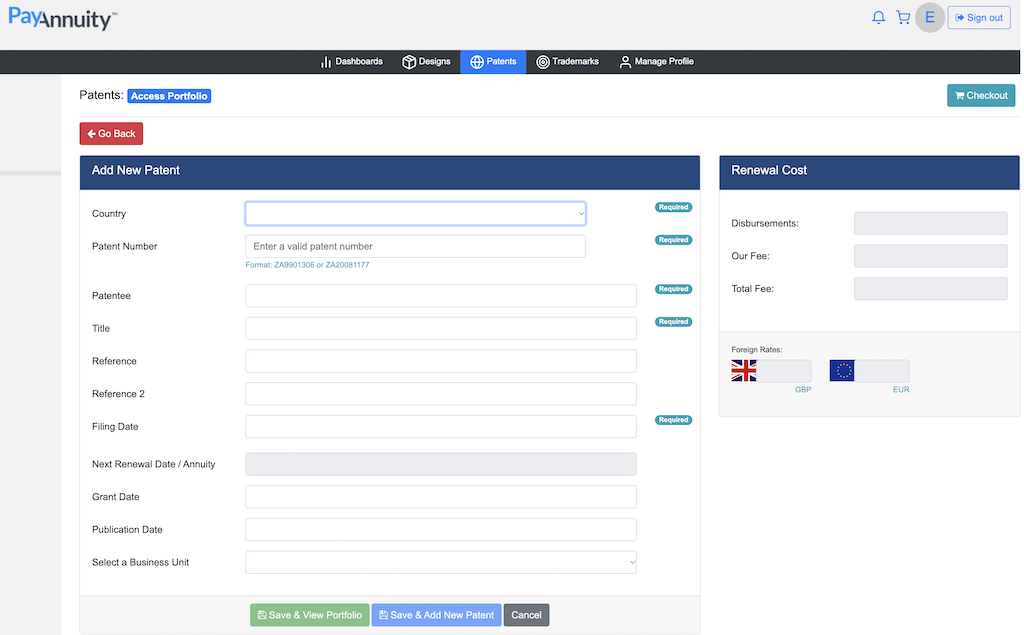
To upload a patent, we typically require the following details:
- country;
- patent number;
- filing date (e.g. PCT filing date); and
- next renewal date.
In some instances, additional information is required, e.g.:
- for Polish, Albanian, Bosnia Herzegovina, Bahrain, Vietnamese and Cyprian patents, we require the contact details of the agent that is recorded as the address for service;
- for Malaysian, Mexican and Taiwanese patents, we require the grant date;
- for Philippine patents, we require the publication date;
- for Japanese and South Korean patents, we require the grant date and number of claims;
- for Indonesian patents, we require the number of claims;
- for US, Canada, Mexico and India, we require the applicant entity status (e.g. large entity, small entity, micro entity, individual); and
- for ARIPO patents, we require the number of designated states.
Reminders
The PayAnnuity renewal system automatically sends email renewal reminders 6 months, 3 months and 1 month prior to the renewal deadline.
How to pay a patent annuity
-
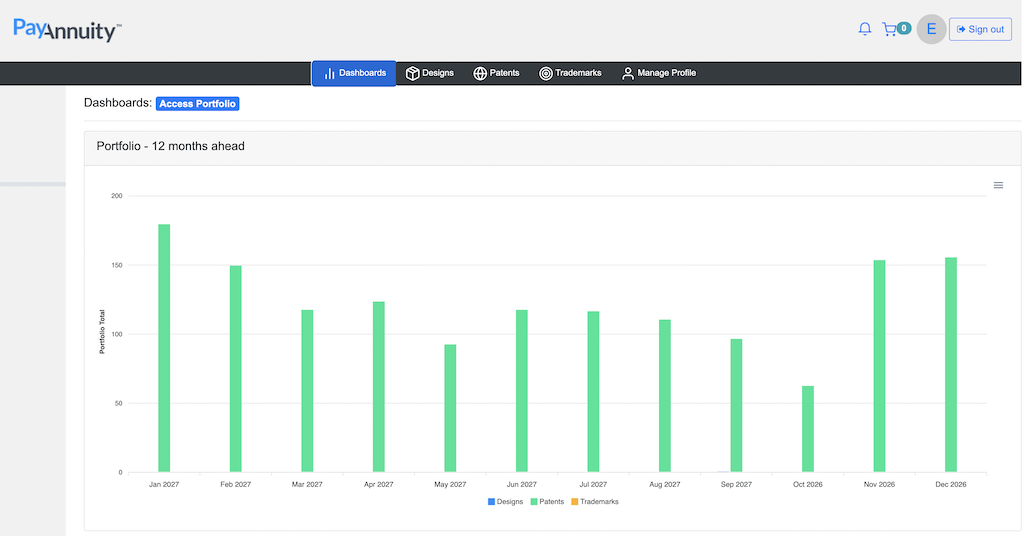
- Login / Register.
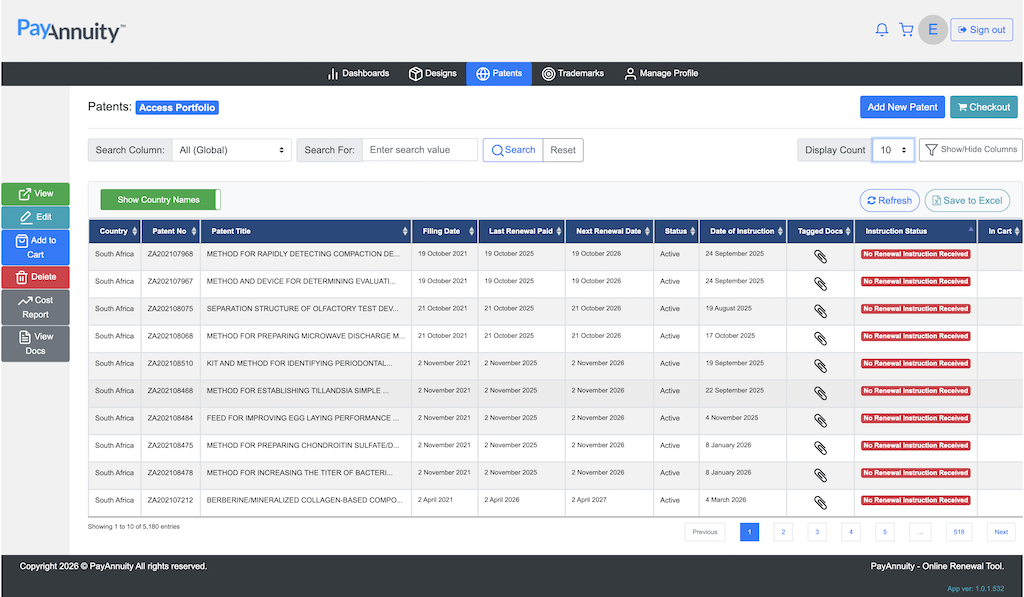
- Click the Patent / Trademark / Design bar.
- Click “Add New Patent” and insert patent details.
- Select the patent / trademark / design to be renewed and click “Add to Cart”, repeat.
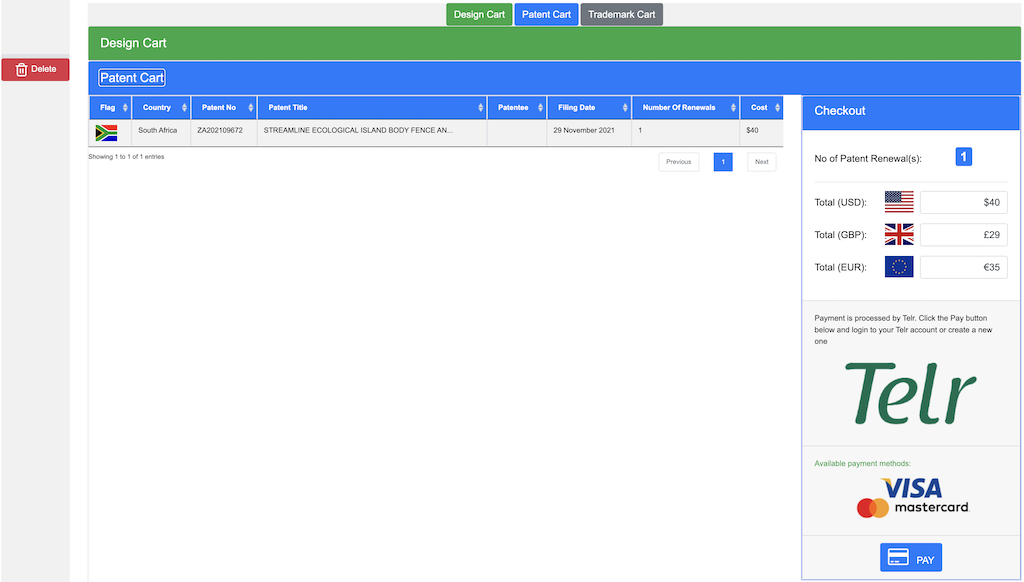
- Click “Checkout” and “Pay”.
- Complete the credit card payment process.
- Invoices and update emails are sent by email.
The system then generates the necessary forms / issues instructions to our trusted agents.
Documents evidencing renewals must be scanned and tagged to the annuity record before the patent, trademark or design renewal can be “completed”. These tagged documents are emailed to you and may be accessed / viewed at any time by logging into the system.
